

Capture
A thought, a meeting, a list — say it or write it.
Speak an idea. Turn it into a clear note, a useful checklist or an answer you can find later. Keep the processing on your phone, or choose the cloud.
Free local notes and on-device AI. No account needed to start.
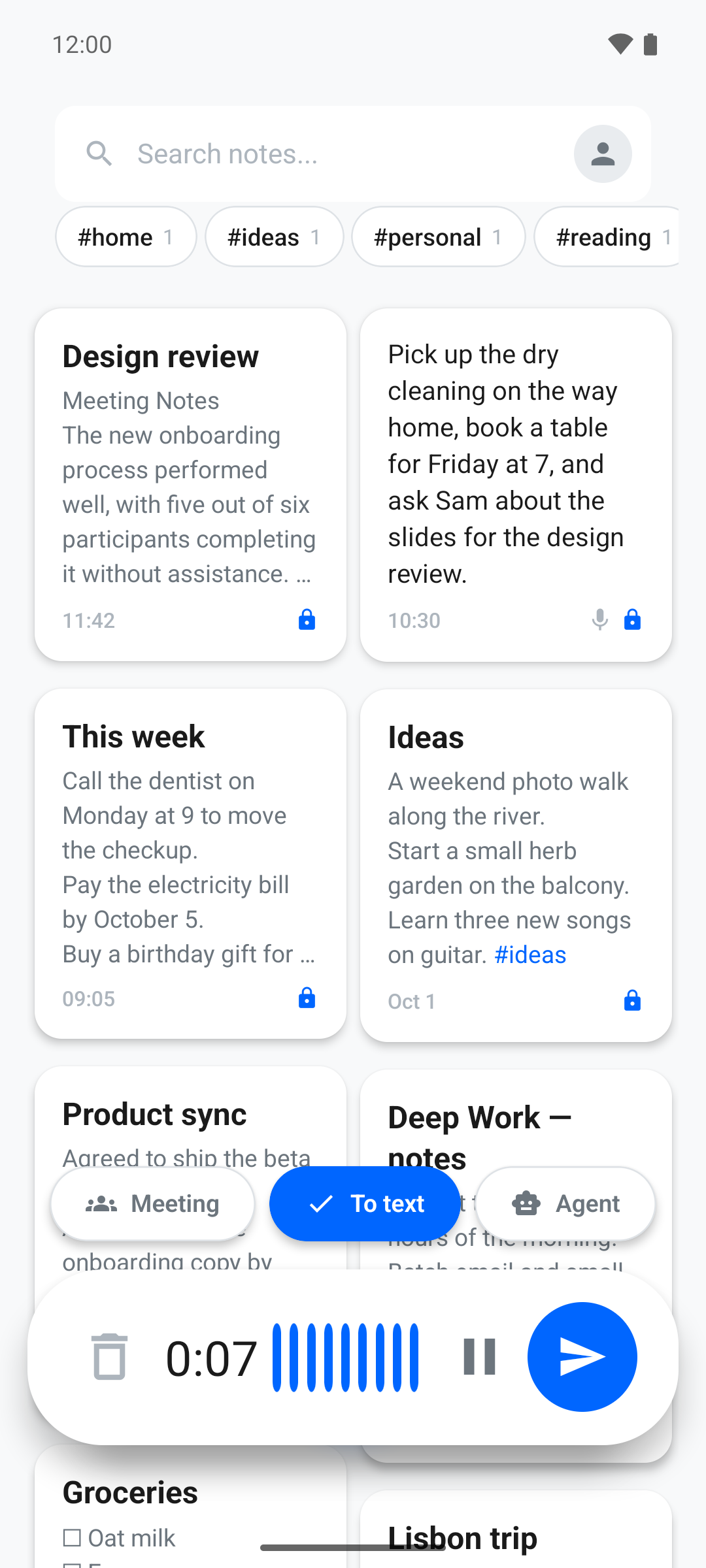
A thought, a meeting, a list — say it or write it.
Clean up the text, find tasks or ask your notes.
Use local processing and export as Markdown.
One place to capture what matters, work with it and find it again.
Record an idea, a meeting or a quick reminder. Transcribe it into an editable note, or dictate straight into the editor.
Extract tasks and dates. Add a checklist, set a reminder on your phone or add a task to your calendar.
Ask questions across your saved notes and follow the source links back to the original thought.
Clean up, summarize or restructure a note with AI. Keep the original and return to earlier versions.
Use tags, search and pinned notes. Capture from a widget, Quick Settings or another app’s share menu.
Import Markdown, text or Google Keep exports. Export your notes as Markdown whenever you need them.
Real Android screens. Everyday notes. A few useful ways to put them to work.
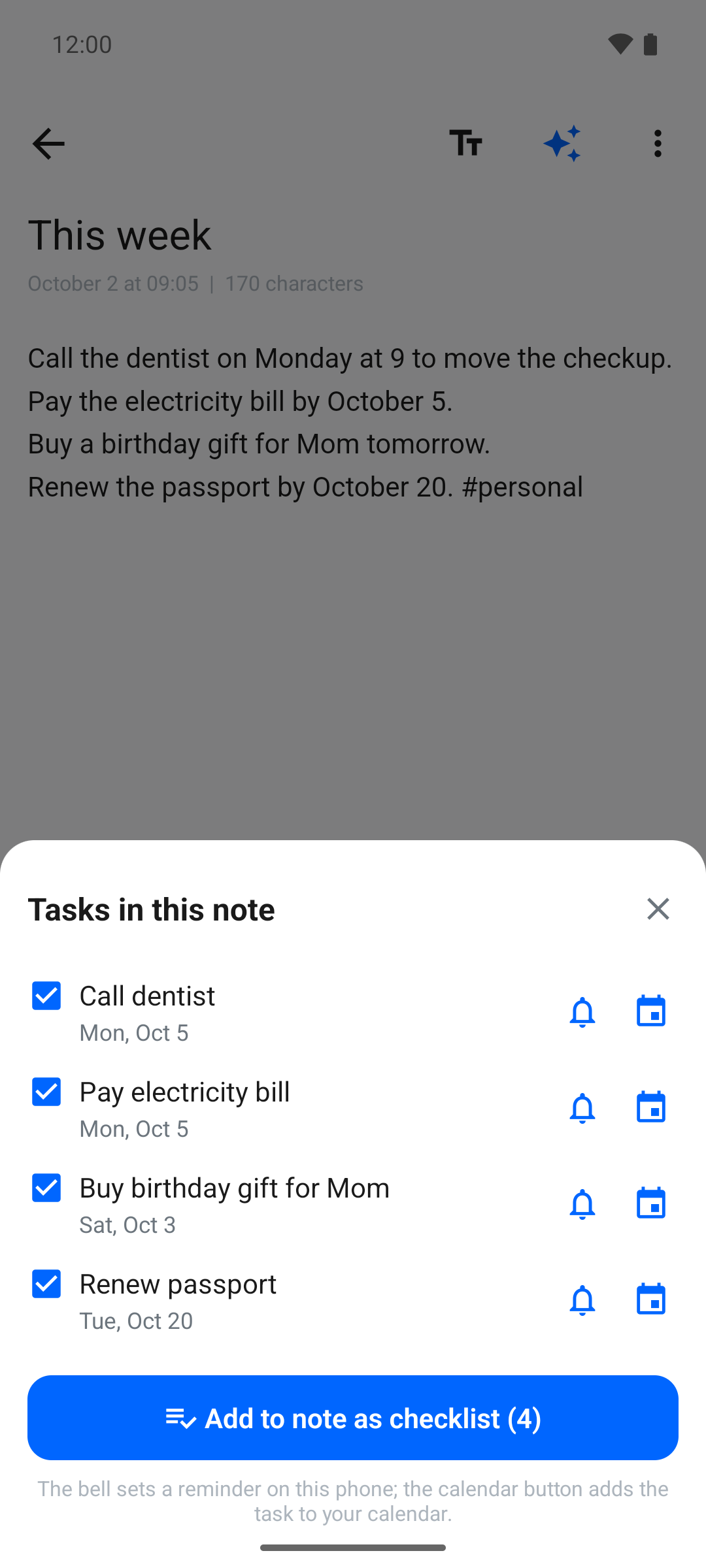
Tasks extracted from a real note, with reminder and calendar buttons.
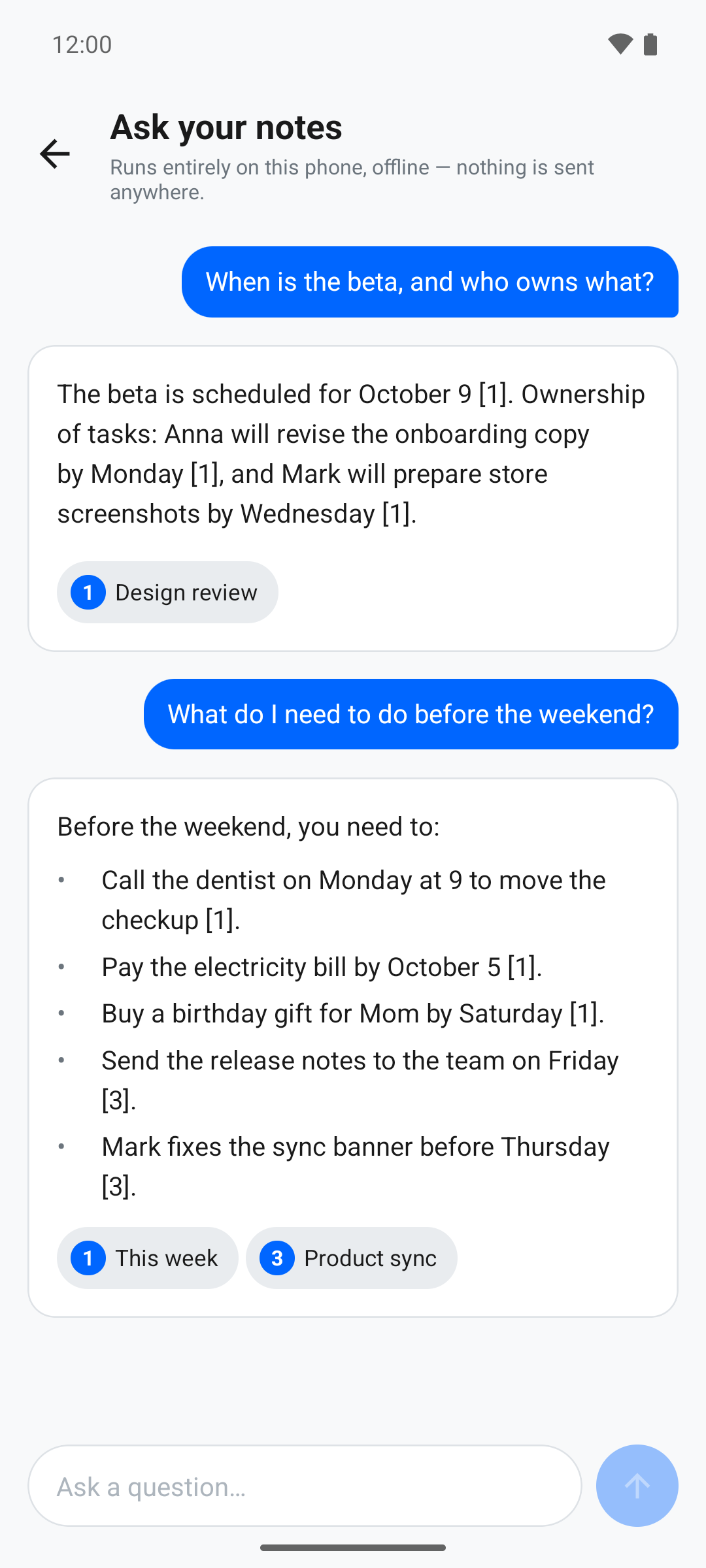
Notes chat with answers that link back to the source.
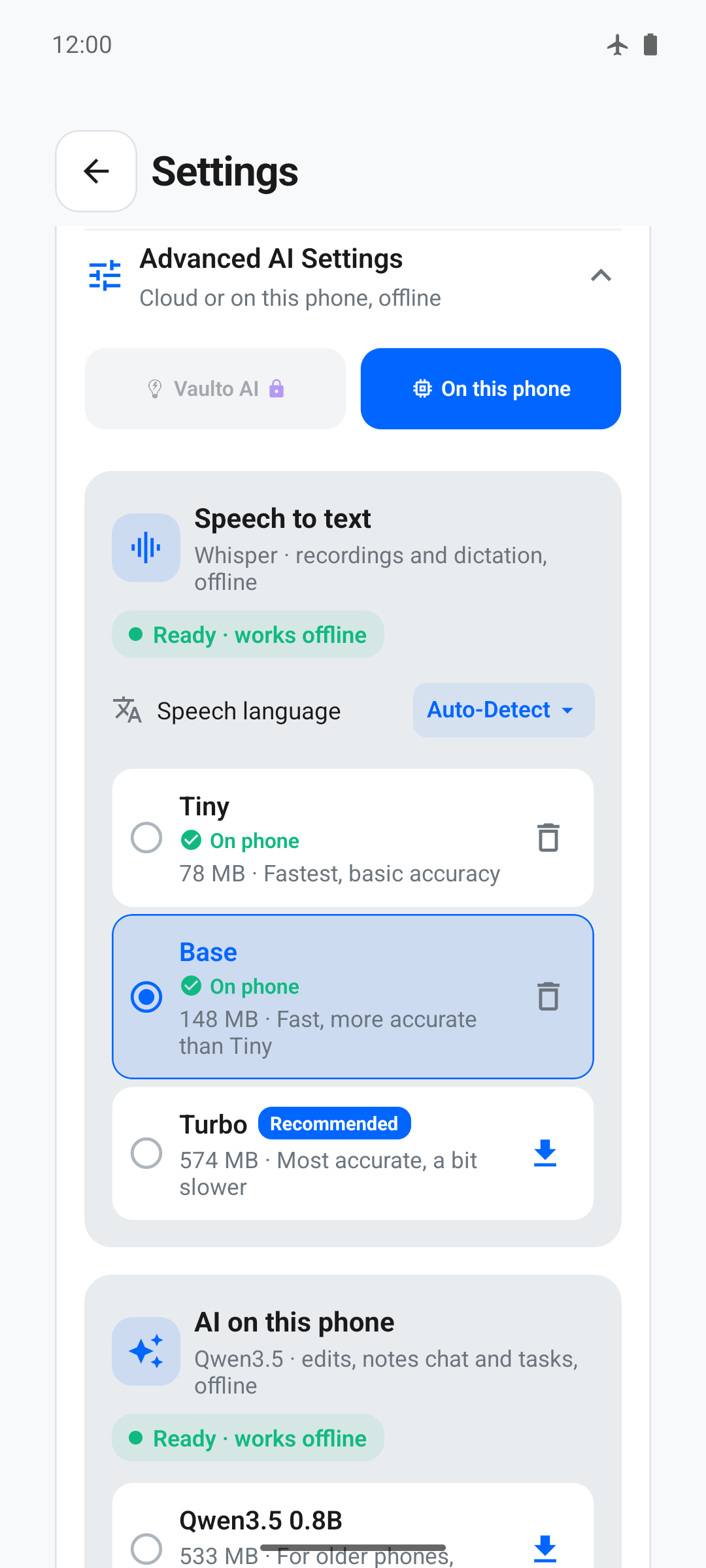
Download speech and AI models, then process notes on your phone.
Screens from the Android app. Layout may vary by version.
Choose how each task is processed. Local and cloud features have different data boundaries.
Whisper transcribes your voice and Qwen works with your text on the phone. Download compatible models once, then use them offline.
Use cloud transcription and AI without downloading models. The selected audio or text is sent for processing. Pro adds cloud allowances and sync.
Local inference keeps that computation on your device. Model downloads, account services, purchases and enabled sync can still use the network. AI output may need corrections. Read our privacy policy or inspect the data flow ↗.
Start with local notes and on-device AI. Choose Pro when you want cloud processing and sync across your devices.
$0
No subscription for local processing
$4.99
Billed monthly
$38.99
Billed once per year
Try cloud transcription: 30 minutes included as a one-time free trial, and Pro can be tried free for 7 days in the app, without a card. Local processing does not use cloud minutes.
Download the speech and AI models once to use local processing. Model choice and speed depend on your phone. Listed Pro prices come from our service catalogue; Google Play shows your local currency, taxes and final price before purchase. Pro subscriptions renew automatically until cancelled in Google Play. Chrome extension usage is separate.
Yes. Local notes and on-device processing are available without creating an account. An account is used for optional cloud and sync features.
After downloading compatible speech and AI models, voice transcription, AI edits, task extraction and notes chat can run on your phone. Downloads need internet; speed and available models depend on your device. Cloud processing, sign-in and enabled sync need a connection.
Cloud transcription and AI receive the audio or text you choose to process. End-to-end encryption protects synced content in E2EE mode; it does not make cloud AI processing end-to-end encrypted. Choose on-device models to keep that processing local.
No. On-device transcription and AI are free, and so is encrypted sync with an account. Pro adds monthly cloud transcription minutes and smarter cloud AI. The plans below apply to Vaulto Note, not to the Chrome extension.
Yes. Export your notes as Markdown. You can also import Markdown, plain text and Google Keep exports into Vaulto.
The public mobile release is currently on Google Play for Android. We’ll add other platforms here when they are available.
Install Vaulto, record a short note and make it useful.
